Good artwork is the difference between a label that looks crisp and one that prints muddy. The good news: preparing files for custom labels is straightforward once you know what we need. This guide walks through file formats, resolution, color, and the small details that make proofs go smoothly.
Best file formats
- Vector (best) —
.AI,.EPS,.PDF, or.SVG. Vector art scales to any size with zero quality loss and is ideal for logos, text, and woven labels. - High-resolution raster —
.PNG(transparent background) or.TIFFat 300 DPI or higher at the final print size. Acceptable for printed labels with detailed or photographic art. - Avoid small web JPGs, screenshots, or images pulled from a website — they are usually too low-resolution to print cleanly.
Resolution and sizing
If you send raster art, it should be at least 300 DPI at the actual label size. A logo that looks sharp on screen can still be too low-res for print. When in doubt, send the largest, highest-quality file you have — or send vector and avoid the issue entirely.
Colors: RGB, CMYK, and Pantone
Screens display in RGB, but printing uses CMYK, and brand colors are often specified as Pantone (PMS) values. To keep your colors accurate:
- Tell us your exact Pantone numbers if you have them — this is the most reliable way to match brand color.
- For woven labels and embroidery, colors are matched to thread; see thread color & Pantone matching.
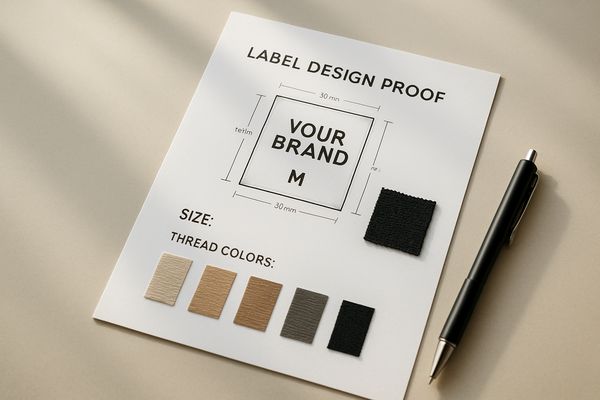
- Expect slight variation between a screen and a physical label — that is normal, which is why we send a proof.
Fonts and text
- Outline / convert your fonts to curves in vector files so text doesn’t reflow if we don’t have the font.
- Keep small text large enough to read — printed labels handle fine text better than woven.
- If you don’t have the font file, tell us the font name or send it with your art.
Bleed, margins, and shape
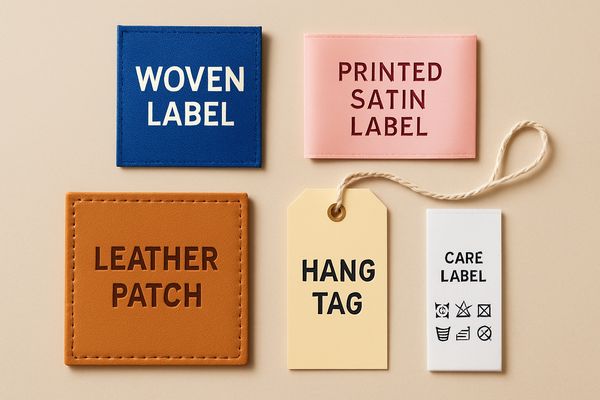
Leave a small safe margin around important elements so trimming and folding don’t clip them. For die-cut hang tags or patches, include the cut shape or tell us the outline you want. For folded labels, remember the fold reduces the visible area — review our fold types guide.
No print-ready file? No problem
If all you have is a rough idea, use our online label generator to lay out text, colors, and a logo, or just send what you have — our team can clean up and rebuild artwork as part of the proofing process.
Frequently asked questions
What is the best file format for a clothing label?
Vector formats (AI, EPS, PDF, SVG) are best because they scale without losing quality. High-resolution PNG or TIFF at 300 DPI also works for printed labels.
Can you work from a JPG or a logo from my website?
Sometimes, but web images are often too low-resolution. We will tell you on review, and we can often recreate the logo in vector for you.
How do I make sure my colors match?
Provide Pantone (PMS) color numbers and review your proof. We match to those values and confirm before production.
Send us your artwork
Have a file ready? Request a free quote and attach your art — we will review it, flag anything that needs adjusting, and send a proof before anything is made.