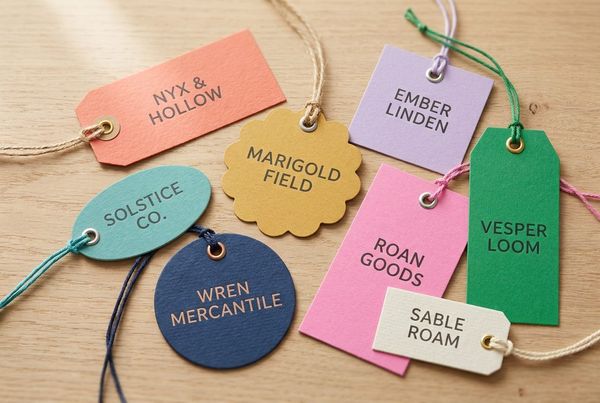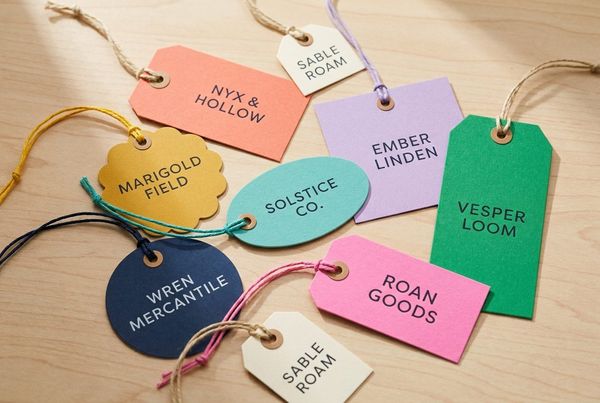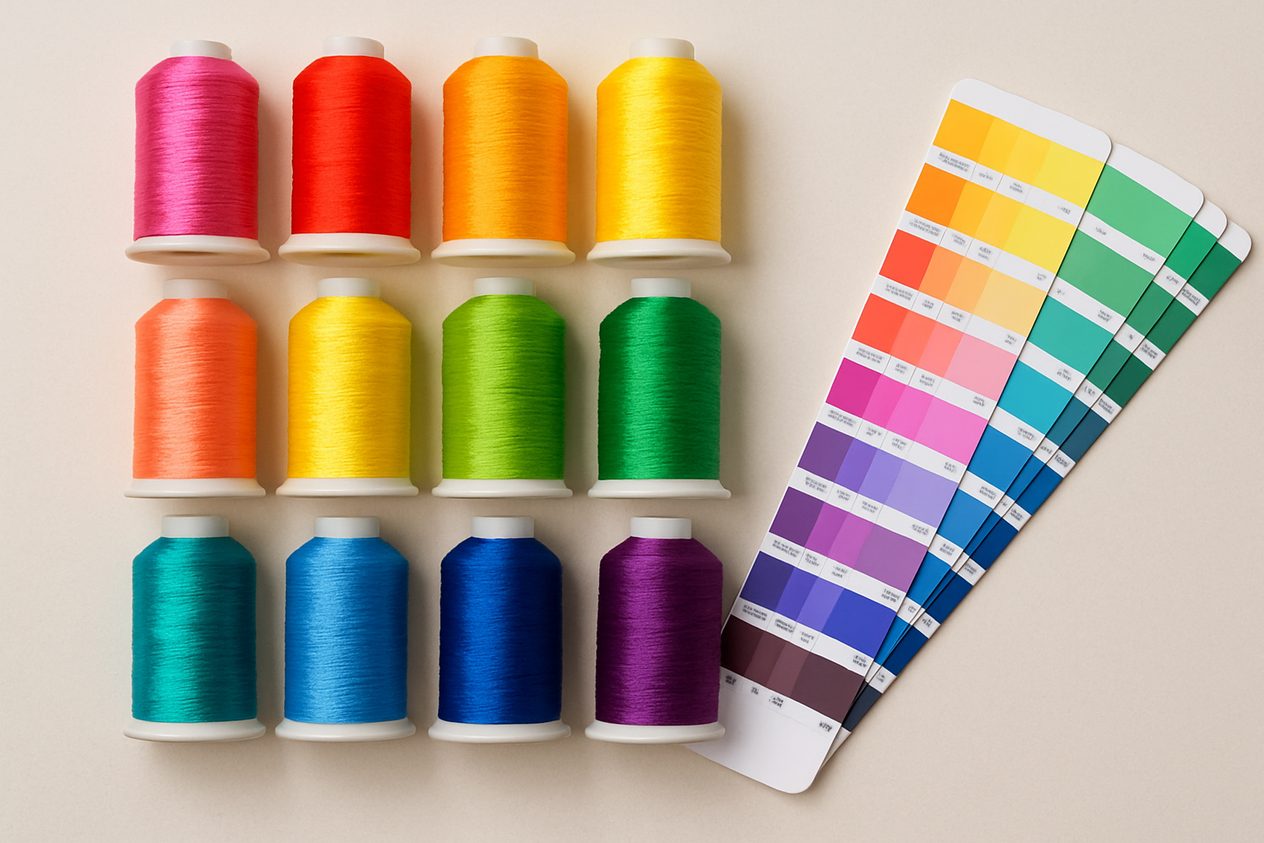
Color is brand. When your label color is even slightly off, customers notice — and your products look inconsistent across runs. The fix is color matching: specifying your colors precisely so every label is produced the same way every time. This guide explains how thread colors and Pantone (PMS) matching work for custom labels, and how to lock in your exact brand colors.
Why exact label color matters
Your label sits next to your garment, your hang tag, and your packaging. If the blue on your woven neck label doesn’t match the blue on your printed care label or your logo, the whole product reads as less professional. Specifying exact colors keeps your brand consistent across label types, factories, and reorders.
Thread colors (for woven labels)
Woven labels are made from colored threads, so their color is set by the thread shade chosen on the loom. Thread manufacturers (such as L&H and other yarn charts) publish numbered thread color cards — each number is a specific, repeatable shade. When you pick a thread number, every woven run uses that exact yarn.
- Best practice: choose your thread colors from a thread chart, or give us a Pantone/hex and we’ll match to the nearest thread.
- Tip: woven labels look best with a limited palette — a few solid thread colors read cleaner than many.
Pantone (PMS) colors (for printed labels)
The Pantone Matching System (PMS) is the global standard for spot colors. Each Pantone color (e.g. “286 C”) is a precise, named ink recipe. Printed labels, hang tags, and packaging are commonly matched to Pantone so the same color reproduces anywhere. If you have brand guidelines, your colors are probably already specified as Pantone (PMS) values.
- Coated vs. uncoated: Pantone codes end in C (coated) or U (uncoated); the same number looks different on each, so specify which.
- Tip: provide the Pantone code rather than a screen color — monitors vary, Pantone doesn’t.
How thread and Pantone relate
Hex/RGB is for screens, Pantone is for print inks, and thread numbers are for woven yarn — they’re different systems for the same goal. A good label maker translates between them: give us a Pantone color and we’ll match the closest woven thread (or the exact print ink), and vice-versa. The key is to start from one authoritative value (ideally Pantone) and convert from there.
How to specify your colors
- List your brand colors as Pantone (PMS) codes if you have them.
- If not, share a hex value or a physical sample, and we’ll match it.
- Note coated (C) vs uncoated (U) for printed work.
- For woven, pick thread numbers or let us match to your Pantone.
- Always approve a physical or digital proof before the full run.
Pick your colors in the Label Generator
Our Label Generator lets you set each color by hex, thread color, and Pantone PMS — pick in any column and the others fill in to match, so your spec is locked before you order. It’s the easiest way to nail brand-consistent color.
Frequently asked questions
Can you match my exact brand color?
Yes — give us a Pantone code, hex, or sample and we’ll match it to the right thread or ink. A proof confirms it before production.
Why does my woven label look slightly different from my printed one?
Thread and ink are different materials, so the same color can read a touch differently. Matching both to one Pantone reference keeps them as close as possible.
How many colors can a woven label have?
Several, but a few solid colors reproduce best. See woven vs. printed labels if your design needs many colors or gradients.
Get color-matched labels
Design and color-match your label online, then request a free quote — we’ll confirm your thread/Pantone match on the proof.